
Page 10
 | Just one reason to use Google Chrome for browsing…
So true… and one reason why we mostly use Google Chrome… ——————-For computer assistance (Virus Removal, Computer Tune-ups, and more) give us a call at 612-234-7237. Psinergy TechWarrior St. Paul – your Computer Repair Experts! |
 | Unfogging Windows 8
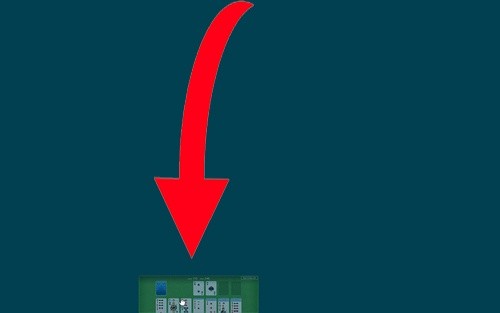
Windows 8 has officially been out for about two weeks, and now that we’ve had a chance to do some digging/playing in the real public version, there are a few useful tips that will make the drastic changes a bit more bearable. How to close the new Apps: One of the most[...] |
 | Tech Tip #14 – What runs at Boot?
Tech Tip #14 – What runs at Boot? If you have a lot of icons in your system tray, check the settings for the programs you don’t need running and tell them not to start with Windows. ——————- For assistance with this or any other Tech Tip, please call us at[...] |
 | Tech Tip #13 – Can I Upgrade?
Tech Tip #13 – Can I Upgrade? One of the easiest and most effective upgrades to do on a computer is to add RAM. ——————- For assistance with this or any other Tech Tip, please call us at 612-234-7237. Phone support Quick Tip Fixes/Help is $19.95 per issue. |
avast! Anti-Virus detects *New* Microsoft IE Zero-Day Attack
avast! Antivirus is able to detect the *New* Microsoft IE Zero-Day Attack. Here is an excerpt from their blog: “It was brought to our attention by this thorough Eric Romang article that a new zero-day exploit (an exploit actively used by cybercriminals in the wild) targets a bug in Microsoft’s Internet Explorer (IE)[...] |
 | Tech Tip #18 – Clear Temporary Internet Files, Cookies & Cache
Tech Tip #18 – Clear Temporary Internet Files, Cookies & Cache The more websites you go to, the more temporary internet files get stored on your computer. Clearing these on a regular basis not only helps open up space, but can also help increase browsing performance (especially with flash based content),[...] |
 | Tech Tip #11 – Slow Web Browsers
Tech Tip #11 – Slow Web Browsers Disable/Uninstall excess and unused toolbars in your browser. ——————- For assistance with this or any other Tech Tip, please call us at 612-234-7237. Phone support Quick Tip Fixes/Help is $19.95 per issue. |

 | :: Review :: Windows 8 Release Preview (End User Experience)
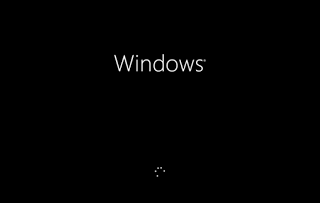
by SchaOn Blodgett www.stpaulvirusremoval.com Windows 8 is the next release of the Windows platform due out October 26th, 2012. Will Windows 8 have the “every other version of Windows is HORRIBLE curse”? Maybe. New Windows 8 Boot Screen (it’s very simple and sleek) We have been utilizing various copies of[...] |

Featured by Psinergy

:: Recommended Businesses ::

